How to Use the Taper Lever on Your Hair Clipper
5 Reasons to Use the Clipper Taper Lever to Master Your Next Haircut
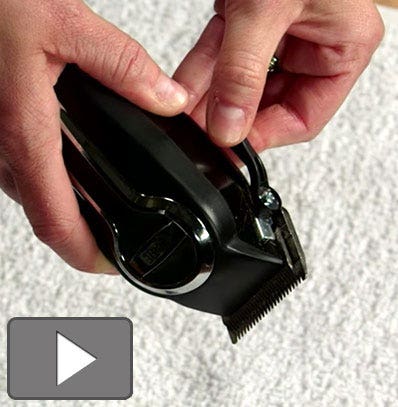
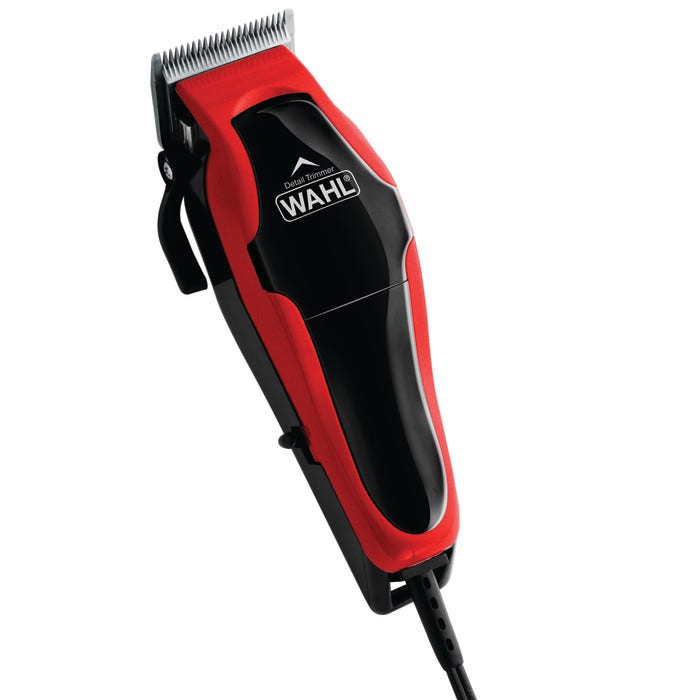
Want that crisp fade? Or maybe the perfect blend? This is where the taper lever, or clipper lever, on your hair clipper comes in. The taper lever adjusts the distance between the blades and guard, allowing for a shorter or longer cut. But knowing how and when to use it is important. Learn the ins and outs (or in this case, the ups and downs) of using the taper lever on your hair clipper.
1. Achieve a Shorter or Longer Haircut
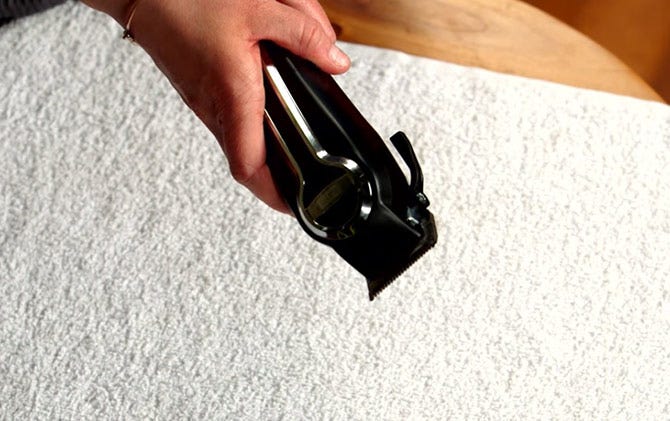
Adjusting the taper lever up or down will result in a 1/16-inch difference in length. For a slightly longer haircut, move the clipper taper lever down (open position). For a slightly shorter cut, move the taper lever up (closed position). Or you can split the difference and move the taper lever to the middle position.
2. Create the Perfect Blend
Most haircuts require blending, whether it’s blending the sides and back or blending the sides and back into the top. Understanding how to use the taper lever between guard lengths will ensure a perfect blend. For example, if you’re starting with a #1 guard at the neckline in section 1 and moving up to a #2 guard for section 2, start with the taper lever in the down position. After cutting section 2, keep the #2 guard on and move the taper lever to the up position. Recut the area where the #1 guard ended and the #2 guard began to ensure a seamless blend between sections.
3. Do a Gradual Fade
Like blending, you will need to adjust the taper lever in the area where one guard left off and the next guard started to create a crisp fade. For example, to do a skin fade, start at the neckline in section 1 with no guard and move the taper lever to the down position. Cut up about an inch. Then attach the #½ guard and cut up another inch. With the #½ guard still on, move the taper lever to the up position and recut the area where the no guard ended and the #1/2 guard began. Repeat this process as you go. Expert tip: Adjust the taper lever in increments as you move up to create an even crisper fade.
4. Oil your Blades
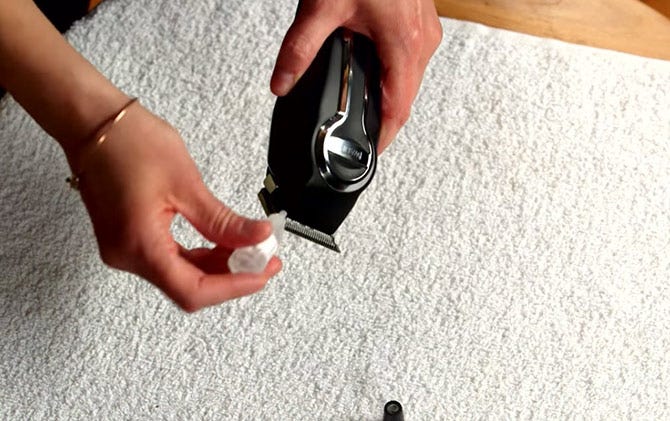
Before operating your hair clipper, add blade oil to the back and sides of your blades and then turn the clipper on . While your clipper is running, move the taper lever up and down several times to ensure the oil works its way into the blades.
5. Clean up after Haircut
Your taper lever can be used to help unclog hair that gets stuck between clipper blades. While the clipper is running, simply move the taper lever up and down several times. Then turn the clipper off and brush any remaining hair from the blades.
Your questions about the taper lever:
What does the taper lever on hair clippers do?
The taper lever moves the clipper blades up and down to provide a closer or longer haircut. Moving the taper lever from the down position to the up position or vice versa will change the length of hair being cut by 1/16 inch. The taper lever can be used with or without a guard when cutting your hair.
What does a closed and open taper lever mean?
A closed taper lever means the taper lever is in the down position. In the down position, the top and bottom blades are aligned together, providing a closer cut. An open taper lever means the taper lever is in the up position. In the up position, the top and bottom blades are farther apart, producing a longer cut.
What is the most common reason to use the taper lever on your hair clippers?
The clipper lever, or taper lever, is most often used for blending and fading your hair. This is because adjusting the taper lever between guard sizes compensates for the difference in lengths between guards. Adjusting the taper lever to cut the area of hair where one guard ends and another begins helps to provide a smoother transition between those two lengths.

India (English)
Middle East and Africa (English)
South Africa (English)
Australia (English)
Japan (日本語)
South East Asia (English)
Singapore (English)
Europe (English)
United Kingdom (English)
Argentina (Español)
Brazil (Portuguese)
Colombia (Español)
Latin America (Español)
México (Español)
Chile (Español)
Peru (Español)
Canada (English)